Onboarding, Identity & Security

Fast Digital Sign-Up & Login

Give customers a secure way to register, verify, and access their accounts, without building separate authentication tools from scratch.
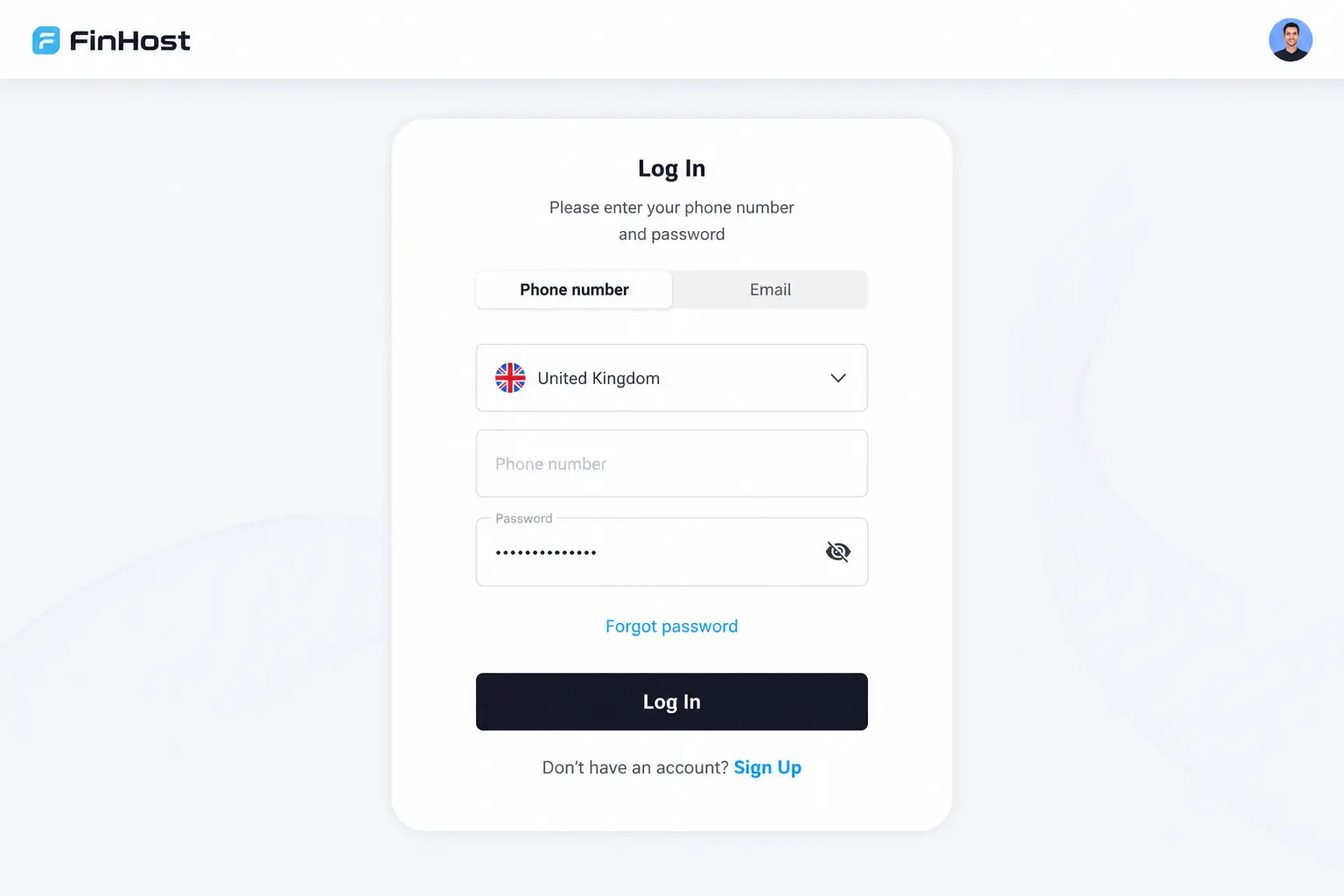
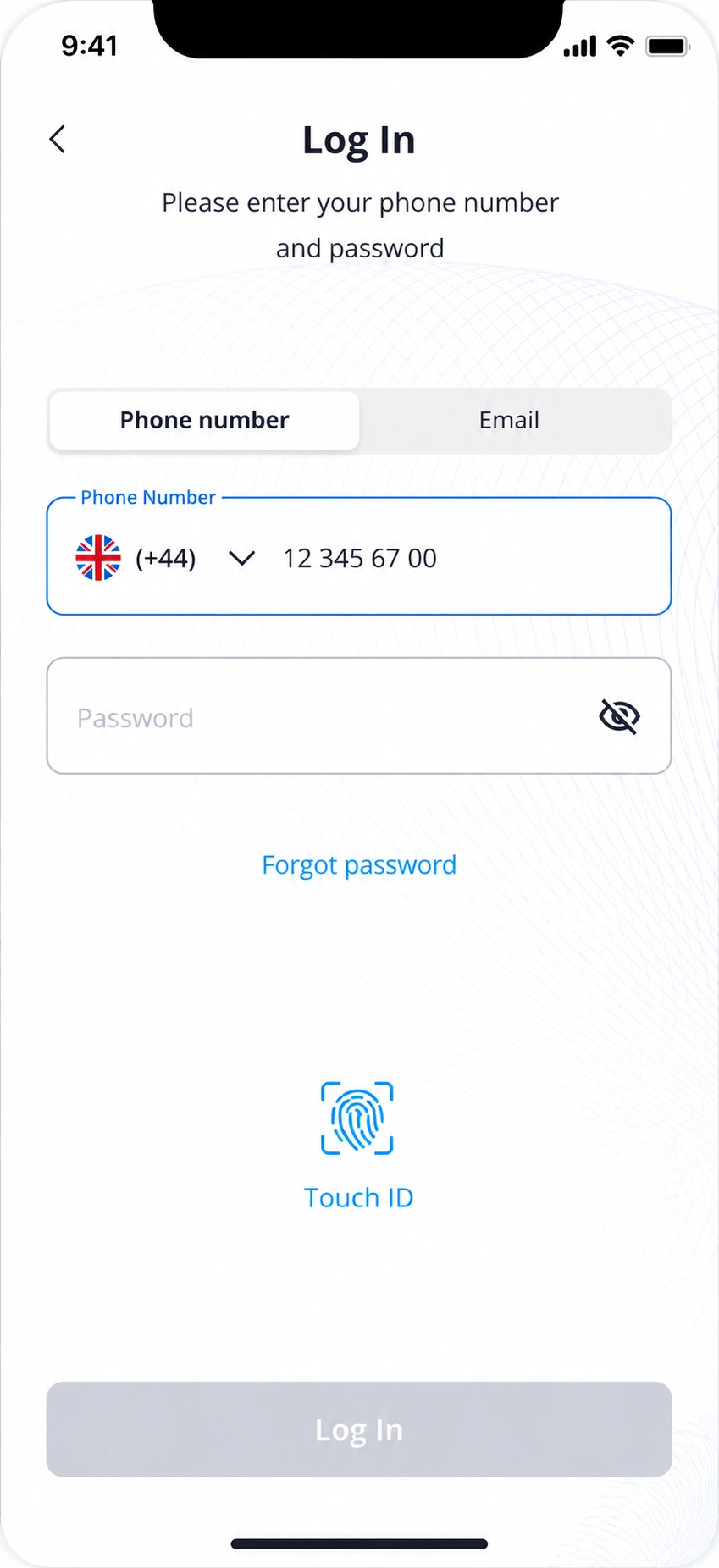
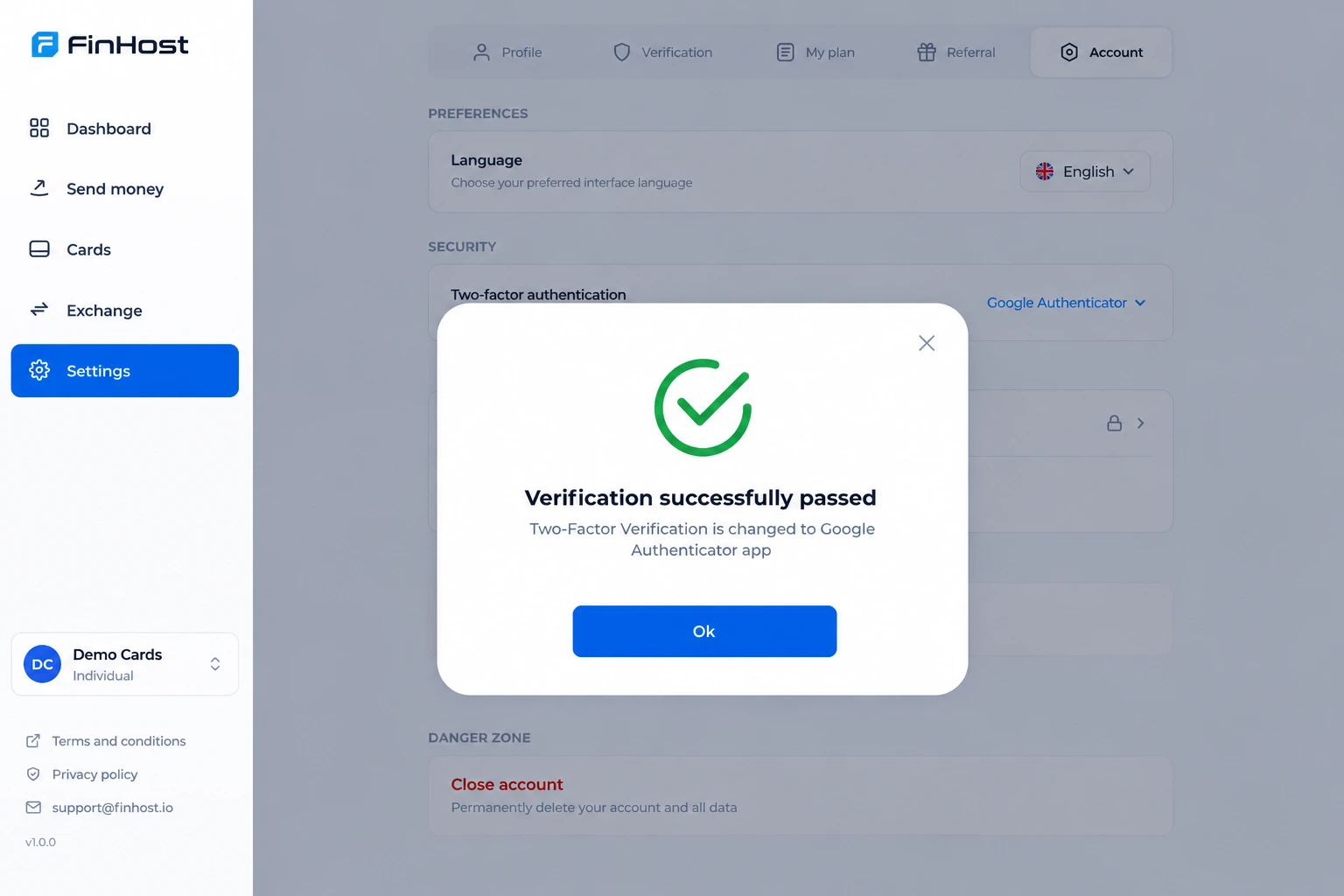
FinHost account security panel showing authentication settings
sing up mobile finhost=
Simple verificationOne clear code flow for email, phone, MFA, and recovery.
Secure returning accessPassword, MFA, and biometric login in one journey.

Authentication module

Everything needed for secure customer access

One module for registration, login, verification, stronger authentication, and recovery.
01Email & phone sign-up
02OTP verification
03Password policies
04Multi-factor authentication
05Biometric login
06Password recovery
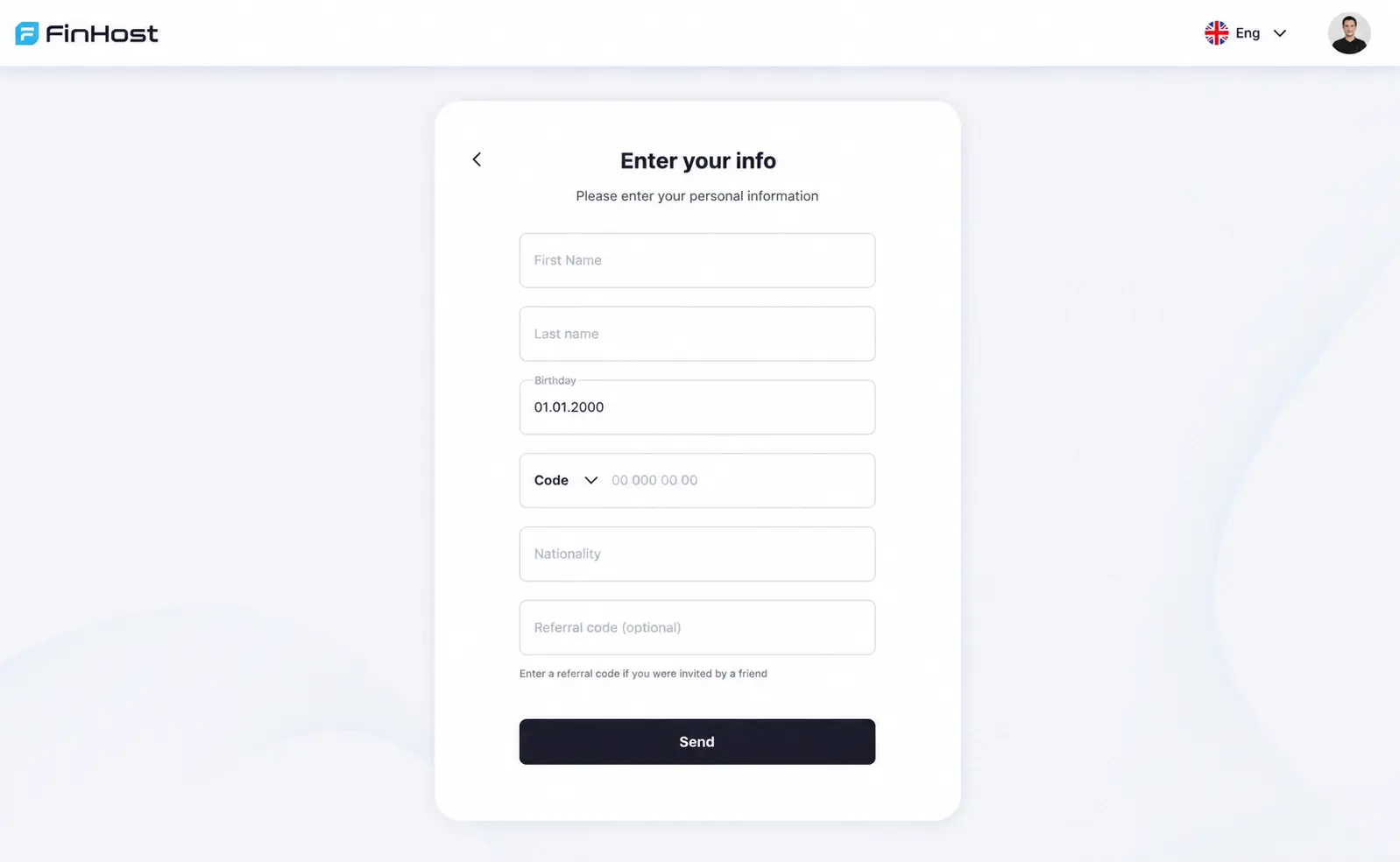
FinHost registration panel with password and customer details

Registration experience

A clear path from first interaction to account creation

Customers register with email or phone, create a password, verify their contact details, and continue into onboarding.

  • Email or phone registration
  • Password requirements shown at the right moment
  • Country selection before account creation
  • One consistent verification-code pattern throughout

Security settings

Authentication controls customers can understand

MFA and biometric login are managed independently, from one account security area.
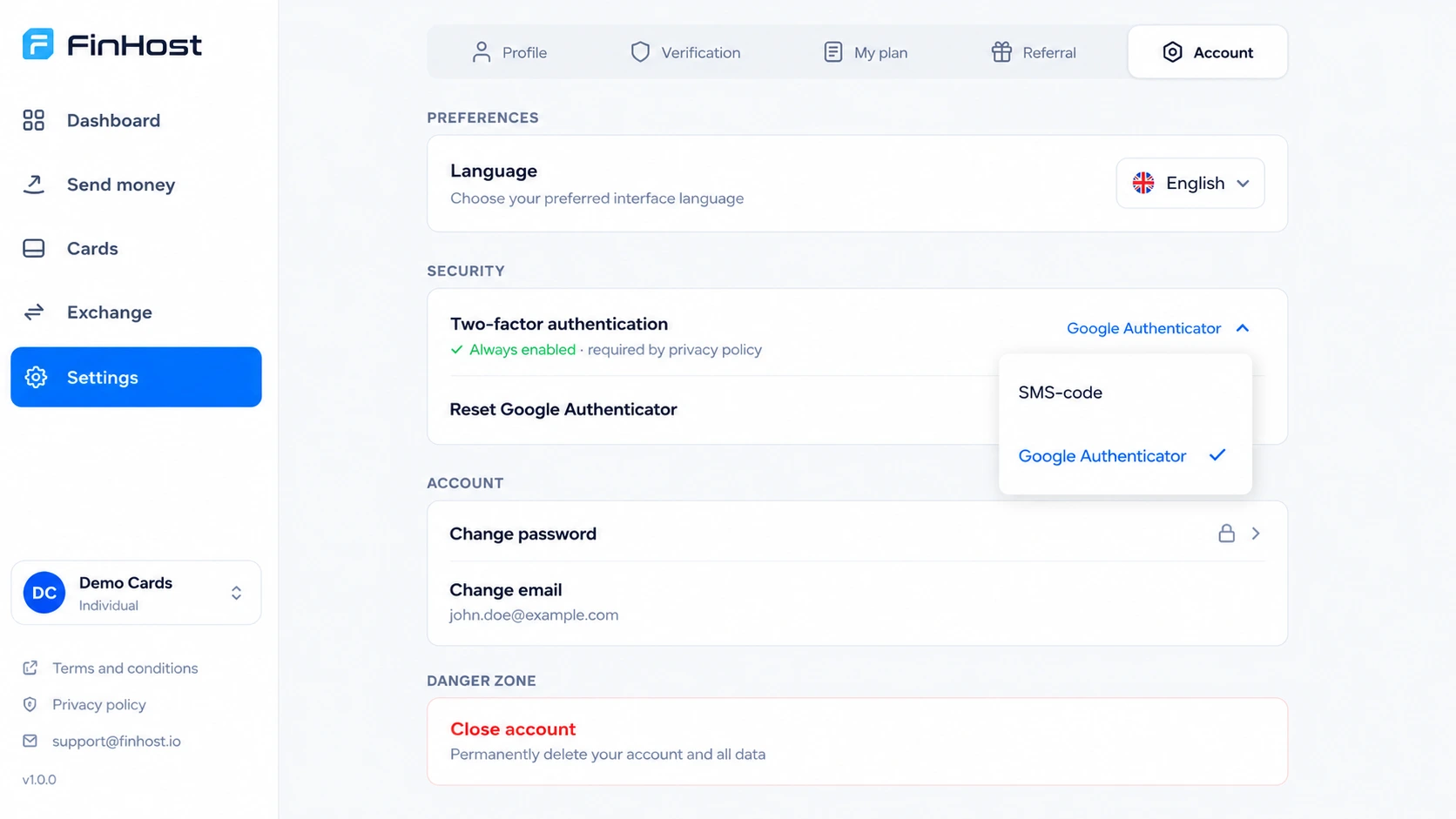
  • SMS, Google Authenticator, or trusted-device approval
  • Face ID or Touch ID, protected by password confirmation
  • Clear access and recovery settings in one place
FinHost security panel showing MFA and biometric login settings
FinHost password recovery and one-time-code verification screens

Recovery

Help customers regain access without manual support

Forgotten passwords are recovered through a verified flow, while logged-in users can update credentials in settings.

  • Code-protected password reset
  • In-app password change
  • Consistent confirmation and error states

Why FinHost

One integrated authentication layer instead of separate tools

Without an integrated layer

  • Separate registration system
  • Separate OTP and MFA logic
  • Separate biometric and recovery settings
  • More integration and maintenance work

With FinHost

  • One authentication module
  • Shared verification logic
  • Consistent password rules
  • One connected customer journey

How it works

From registration to identity verification

Authentication is the entry point to the rest of the FinHost platform.

STEP 01

Register

Choose email or phone and create a password.

STEP 02

Verify

Confirm contact details with a one-time code.

STEP 03

Complete details

Select country and provide personal information.

STEP 04

Log in securely

Use password, MFA, or biometric login where enabled.

STEP 05

Continue to KYC

Move into identity verification and account access.

Configuration

Adapt authentication to your product

User-controlled security

Customers manage their MFA method and biometric login independently, from account security settings.

Country-based registration

Registration can be limited to approved countries for each FinHost client.

Consistent platform rules

Password requirements and verification patterns stay aligned throughout the journey.

See Fast Digital Sign-Up & Login in action

Explore how registration, authentication, and recovery work together inside FinHost.
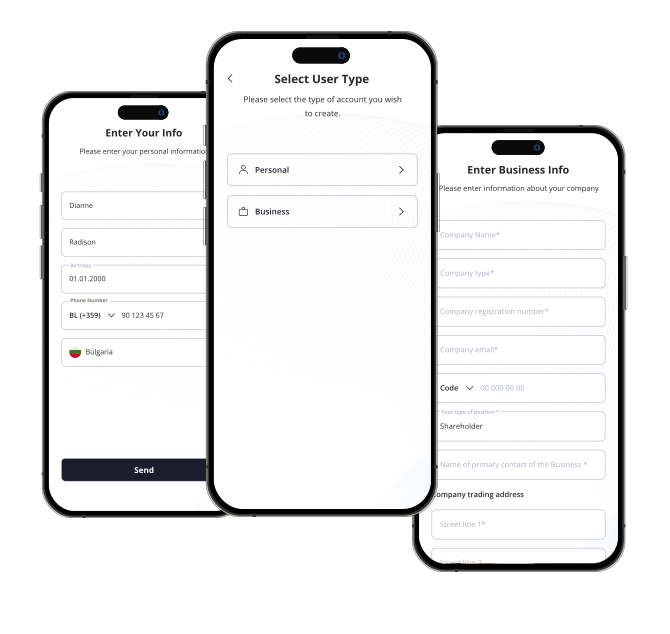
FinHost authentication module product screens

Frequently Asked Questions

Can customers register with either email or phone?
Yes. Both methods are available, and customers return using the option selected during registration.
What multi-factor authentication options are available?
SMS and Google Authenticator are both supported. Returning users can also approve login from a trusted mobile device using Face ID or Touch ID, instead of entering a code.
Is biometric login supported?
Yes, Face ID or Touch ID can be enabled after confirming the current password, giving customers a faster way to unlock the app.
Can registration be limited to selected countries?
Yes. Approved registration countries can be configured for each FinHost client.
How does password recovery work?
Customers verify the recovery request with a one-time code and create a new password.

Contact Us