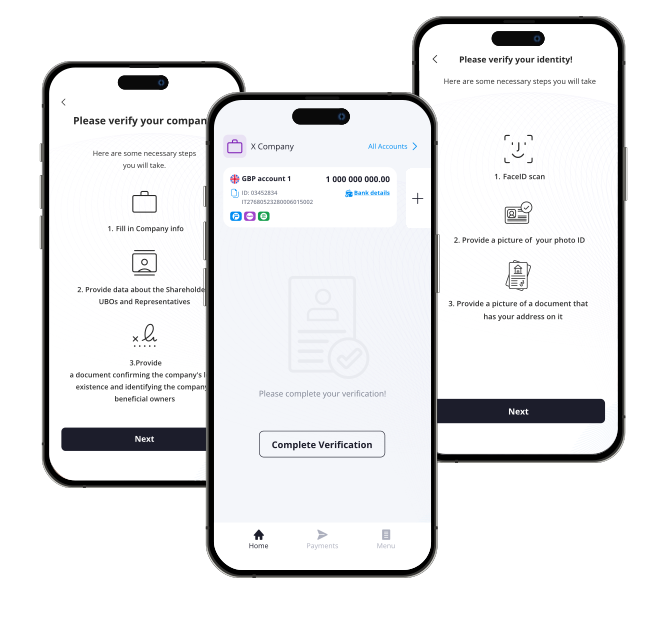
Flexible KYB setup
Run KYB through FinHost’s ready-made Sumsub integration, connect another automated verification provider, or manage verification manually without an external KYB provider.

Business Verification & Compliance
Verify businesses through automated or manual KYB workflows while keeping company and beneficiary data aligned with the requirements of your connected banking and card providers.
KYB module
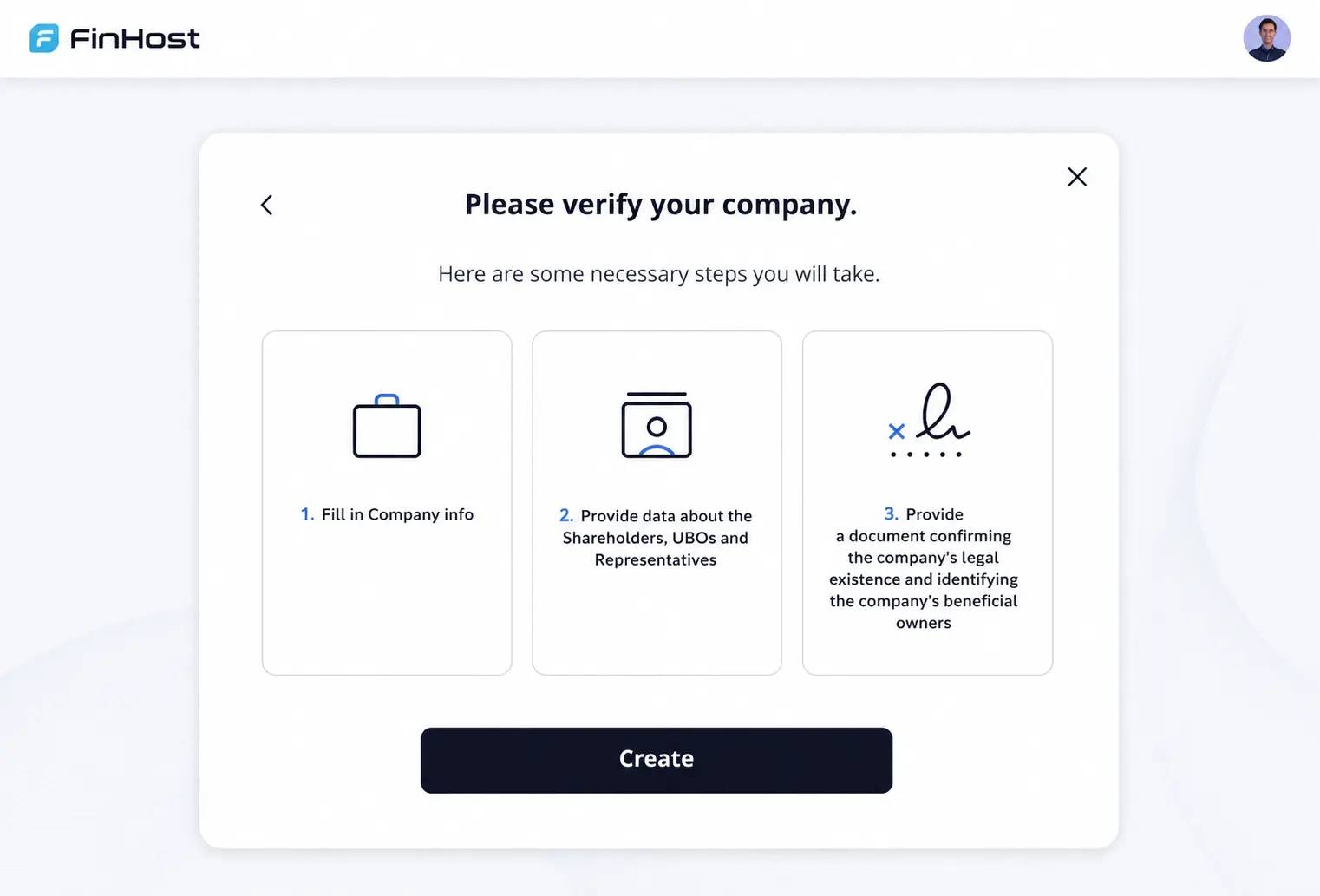
FinHost supports both automated and manual business verification. Use our ready Sumsub integration, connect another KYB provider, or manage company verification manually through your compliance or operations team. Business and beneficiary statuses remain connected throughout the process.
Run KYB through FinHost’s ready-made Sumsub integration, connect another automated verification provider, or manage verification manually without an external KYB provider.
The individual behind the business completes the required identity verification while remaining connected to the company verification process.
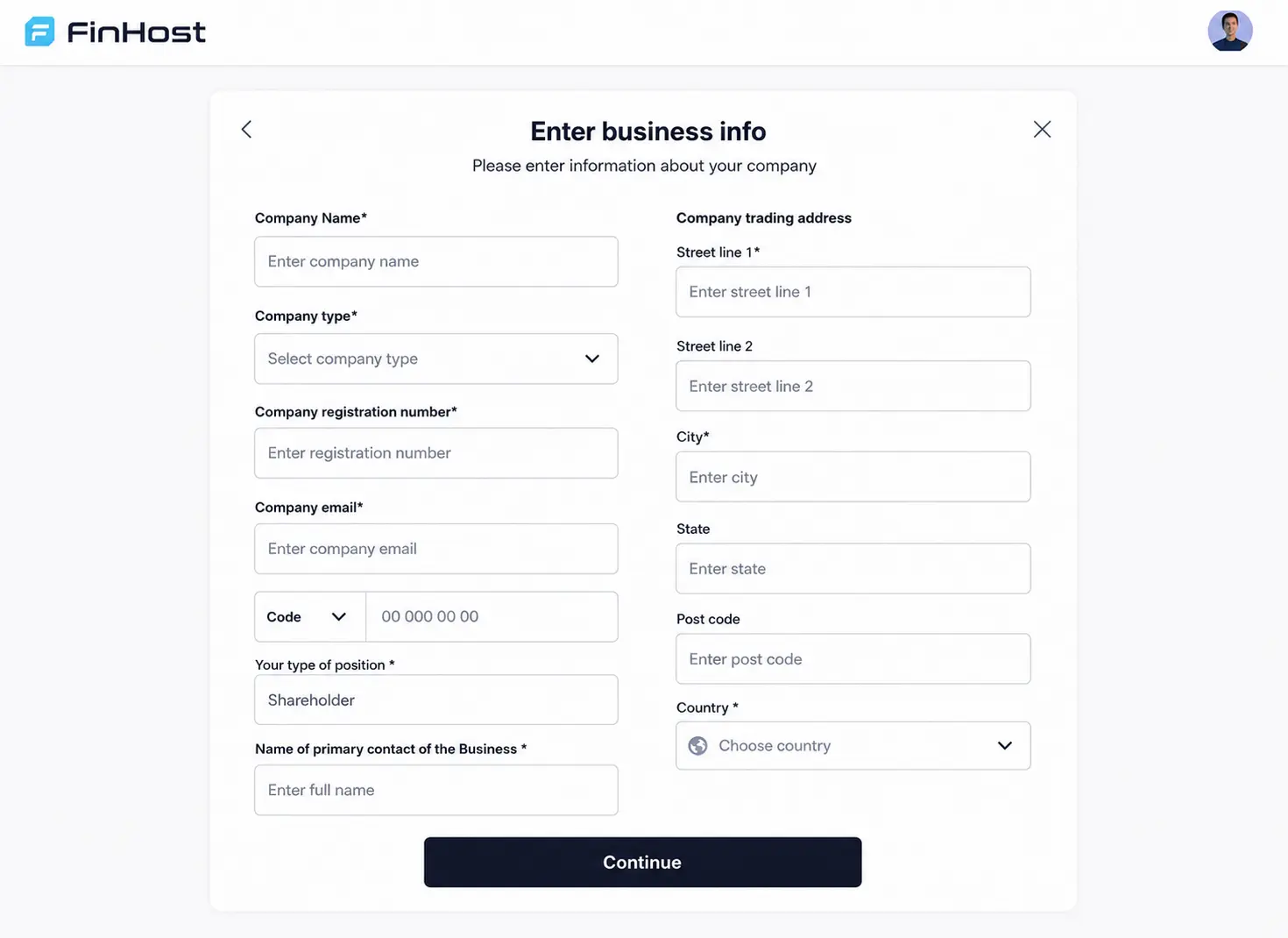
Company details are collected once and carried directly into the KYB process instead of being entered repeatedly.
Business applications move through clear states, shown directly against the company in the customer profile.
Company data can be checked against the requirements of banking and card providers configured for your platform.
Business verification remains linked to the verification status of the individual behind it throughout the process.
Verification workflow
Company and beneficiary information can be verified automatically through a connected KYB provider or reviewed manually by your compliance or operations team.
Collect registration country, category, addresses, and other core company information.
The individual behind the business completes the required identity verification.
Collect the business documents required by your KYB workflow.
Compare submitted, extracted, and previously provided company information.
Complete automated provider checks or review the submitted company information manually.
Confirm, review, reject, or request resubmission based on the verification result.
Getting started
Customers provide company information once and it carries directly into the KYB process. Verification can then continue through an automated provider or through a manual review workflow, depending on your configuration.
Tracking the outcome
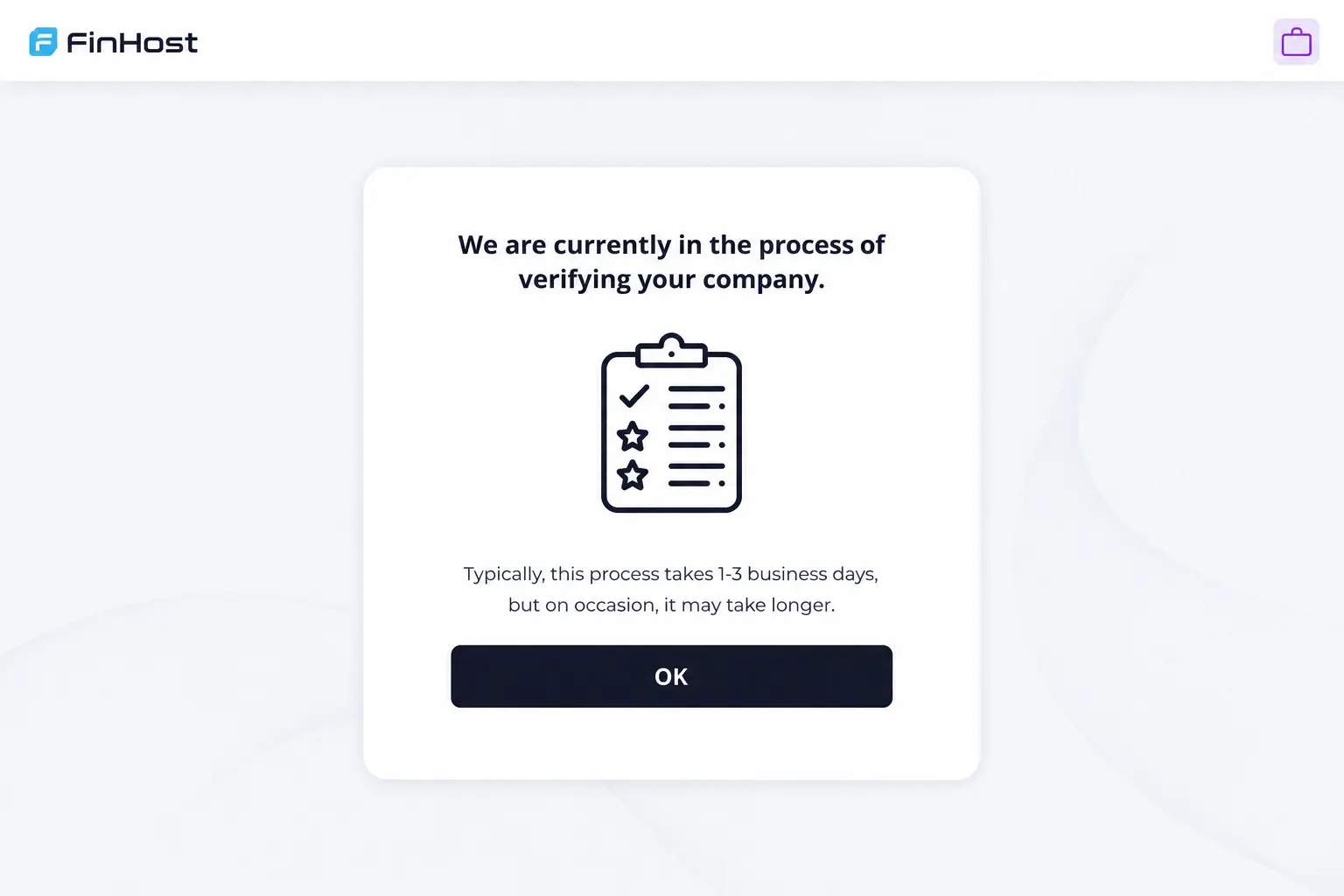
Customers can see where their business verification stands and what to do next, whether the application is being checked automatically by a KYB provider or reviewed manually by your team.
Why FinHost
Use the existing Sumsub integration, connect another automated KYB provider, or operate business verification manually.
Company verification and the status of the individual behind the business remain linked instead of operating as unrelated checks.
Resubmission is built into the business verification journey, allowing customers to provide corrected company information or documents when another review is required.
Customer journey
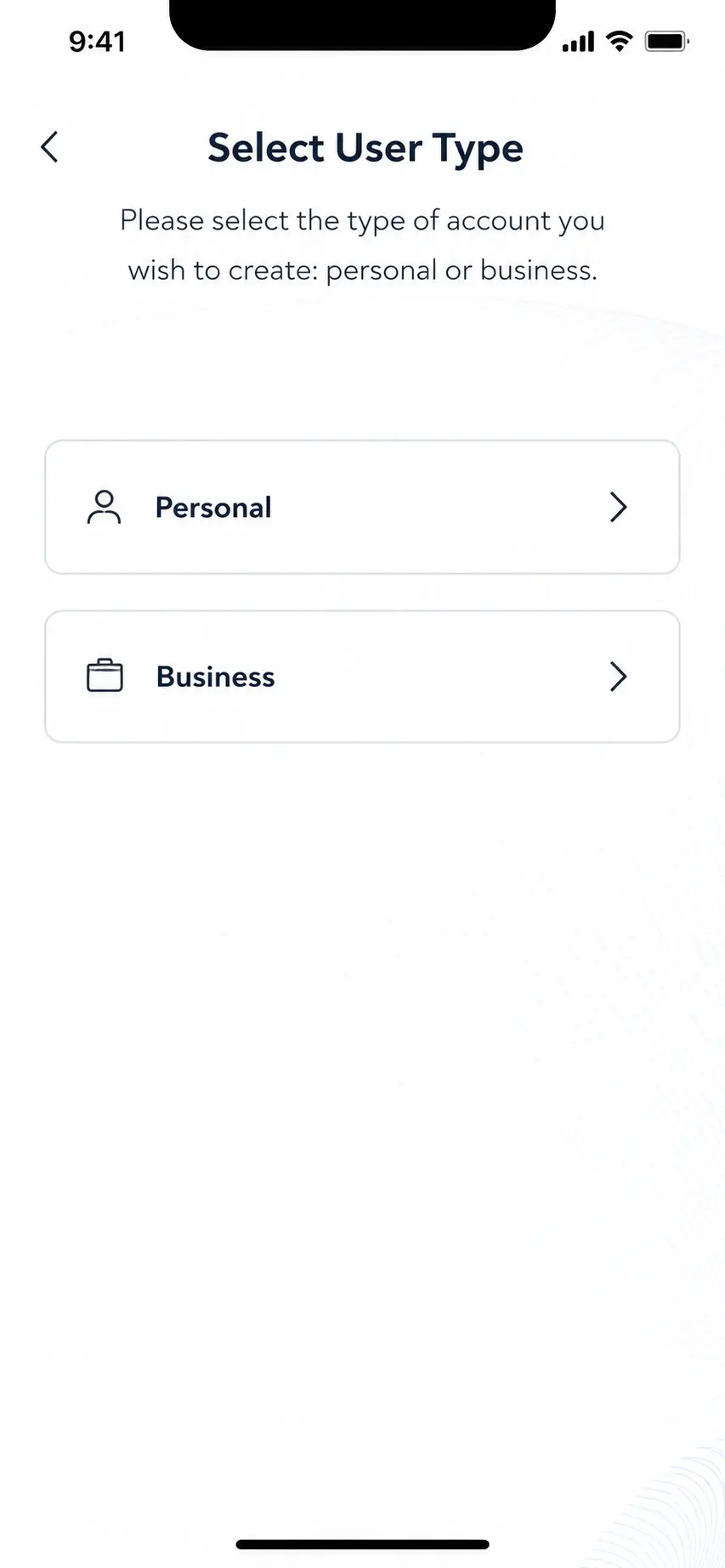
Start with a business during sign-up or add one afterward.
Add registration details, category, addresses, and required company data.
Complete the required identity verification for the individual behind the business.
Continue through automated provider checks or a manual review process.
A confirmed business can access its account and the wider platform.
Configuration
Start with FinHost’s existing Sumsub integration, connect another automated business verification provider, or manage KYB manually without an external verification service.
Launch automated business verification using FinHost’s existing Sumsub integration and a structured KYB workflow.
Integrate another automated business verification provider to match your compliance model, target markets, or existing operational setup.
Operate business verification without a third-party KYB provider. Your compliance or operations team can review submitted company information and documents and make verification decisions manually.
Company data can be checked against the field requirements of banking and card providers configured for your platform.
Business applications that require another review can guide customers back to the required information or document.
Business registration can follow the countries and business categories configured for your FinHost setup.
Related FinHost modules
Explore how automated KYB integrations, manual verification, beneficiary checks, and business status management work together inside FinHost.